

Page 14 - Discover OPPO
-
24 Feb
 Read more »
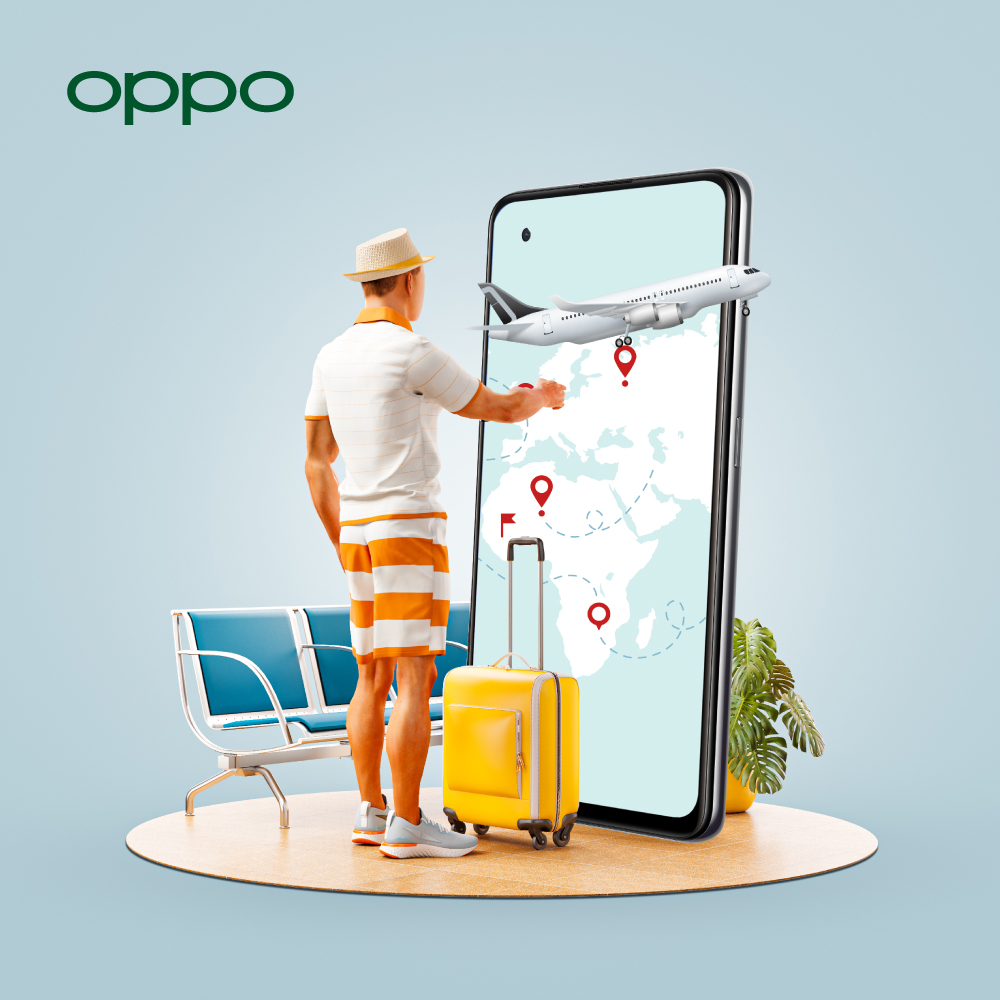
If you are going on a holiday, your smartphone is most probably going with you. Android phones are the ultimate travel companion: we use them for navigation, communication, research, hailing a cab, social sharing, and taking photos and videos.
-
23 Feb
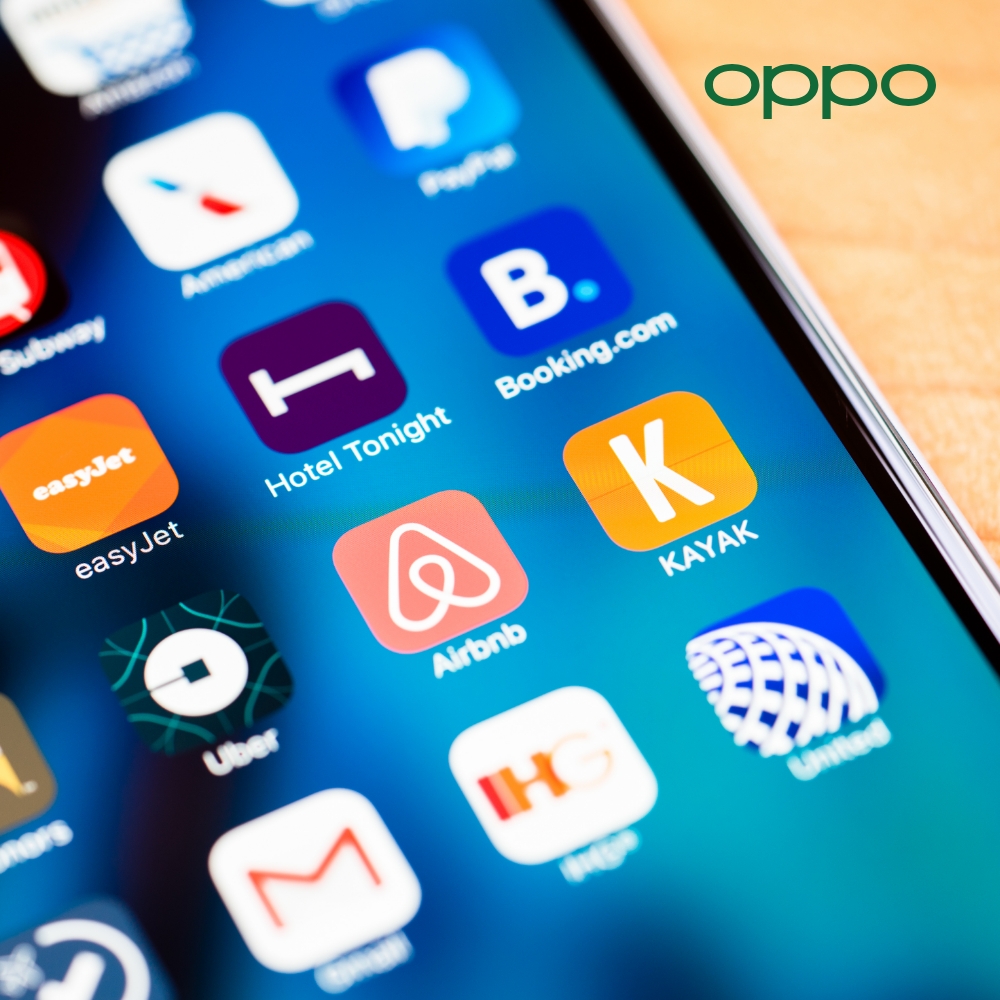 Having the best traveling apps in your mobile phone will not only make your experience wholesome but enhance the exploration. Whether it is about knowing the routes, visiting the most recommended or hidden spots, or figuring out which location to go first, these apps can be a supporting hand. We have listed down the must-have downloaded apps that you should consider downloading before exploring. If you are a beginner who is traveling for one of your first times, or even an experienced traveler, these apps can be your traveling partner.Read more »
 -
22 Feb
 Read more »
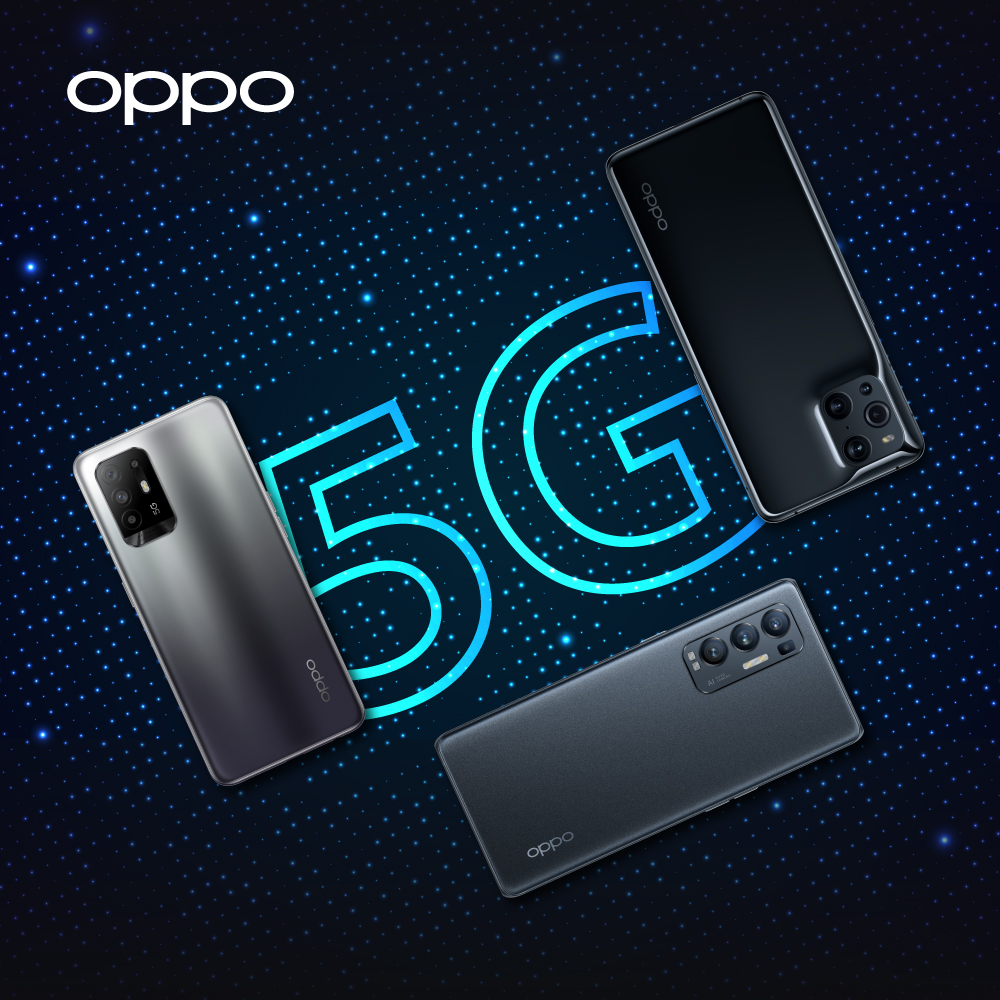
The best 5G handsets can be one of the best tech gadget experiences for anyone, but only if you choose wisely. We have made sure to make it way easier for you for choosing amongst the finest performing mobile phones with 5G technology. You can also visit the official OPPO store online in the UK for checking all of the above-mentioned phones.
-
4 Feb
 Read more »
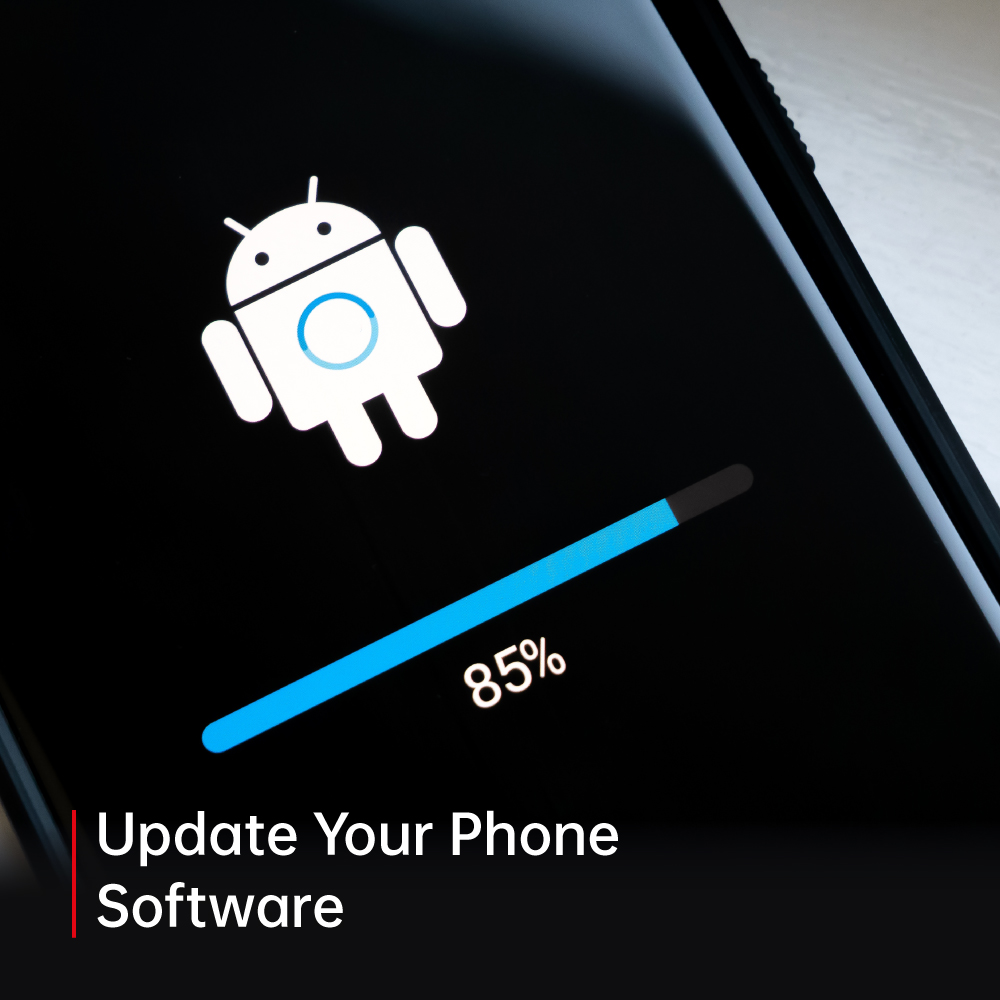
5G phones are probably the most used smart devices on this planet right now. These phones give you freedom to get things done right from the palm of your hands. Whether you want to perform work-related tasks, study, stream movies, or play games, you can do all of these on your high-end Android phones.
These phones run on the software which needs to be updated with time. Even though some phones alert you automatically when any update is needed, still some phones don’t offer that. If you want to update your phone’s software and don’t know how to do it, then you don’t have to worry at all. We are going to be telling you guys about how you can update the software of your 5G phones. So let us not waste any more time and get right to it.
Updating the Software
Before you try to update your phone, you should find out which software or which version of Android you are already using. To do that you can follow the below mentioned steps.
- Go to the settings of your phone.
- Then at the bottom
-
4 Feb
 Read more »
Valentine’s day is upon us, and everyone is looking to give their loved ones the best gift they can ever have. We live in a smart and tech savvy world where everyone is connected to the technology in one way or the other. In this smart age the best gift you can give to your loved ones is definitely a tech gadget.
If you are looking for valentine’s day gift ideas for men or for women, you have come to the right place. We are going to be sharing with you guys our top picks for the best valentine’s days gift you can give to your loved ones. So, take out your pens and notebooks because we are going just dive right in.
Find X3 Pro 5G
Processor
Qualcomm® Snapdragon™ 888 Mobile
Display
6.7 inches, 3216 x 1440
Memory
12GB RAM
Storage
256GB
Camera
50MP + 32MP
Operating System
ColorOS 11.2 based on Android 11
First on the list we will be talking about 5G phones. OPPO Find X3 Pro 5G is among the most powerful and performance-oriented Android phones you will ever come
-
4 Feb
 Read more »
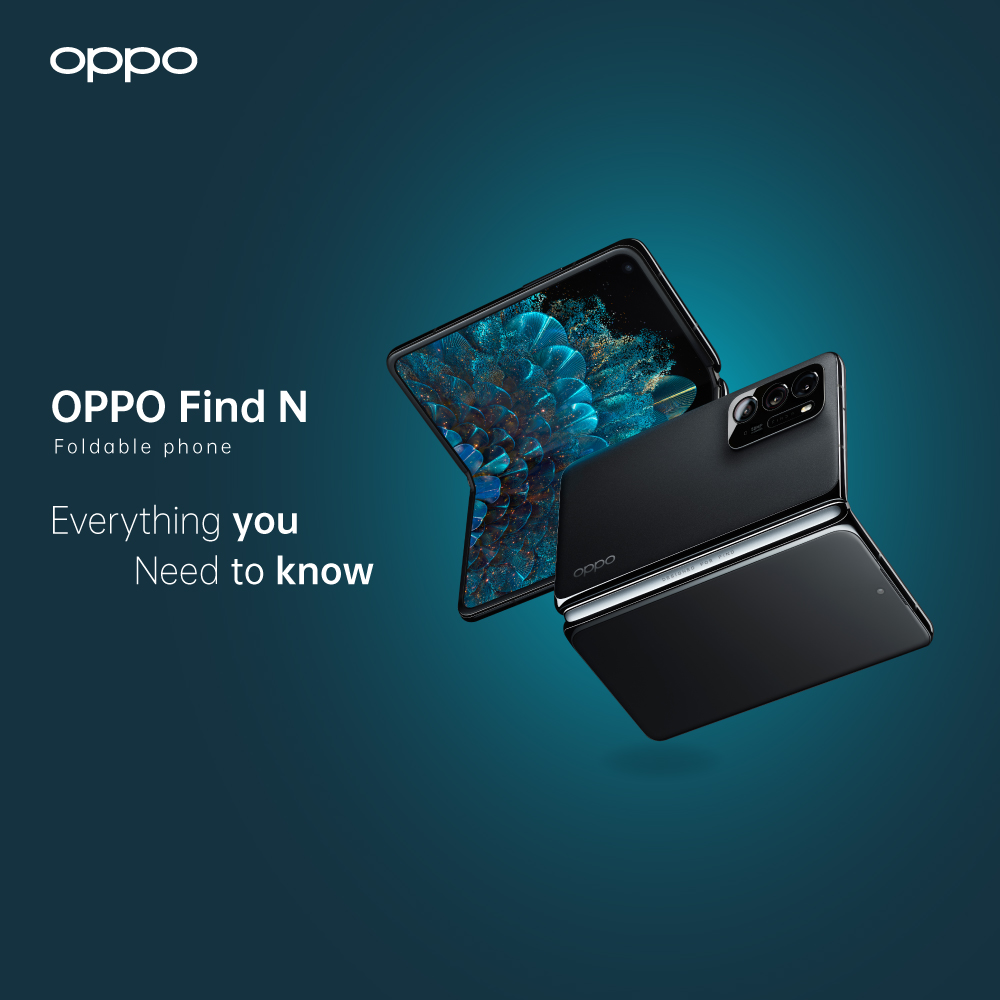
Unveiling of the OPPO Find N - what can we expect to see?
In 2019, Tech manufacturer OPPO teased the start of their journey within the foldable smartphone market. One year later and the public were introduced to some prototypes of the proposed OPPO foldable phone. Now it’s not long before we get to see this new creation come to life, in the form of the OPPO Find N. Much like other competing android phones, this latest addition to the OPPO Find range offers a screen which folds in half together. So, what makes the OPPO Find N the new benchmark for foldables?
For starters, OPPO phones are known for thinking outside of the box and delivering something new and spectacular every time, and as for the trademark foldable screen, OPPO hasn’t gone for your average long, vertical screen. When opened, the display is a more ‘square shaped’ type of screen. And what’s more, the Find N is equipped with a 7 to 8-inch AMOLED flexible display, making it the perfect travel companion for watching films
-
31 Jan
 Read more »
Smartphones now days are always connected to the internet in one way or the other. The best thing about internet is that you can get everything done no matter where you are. Wi-Fi or wireless internet has definitely made your everyday web surfing much easier. Wi-Fi calling is something which is pretty popular these days and for all the right reasons.
If you don’t know what Wi-fi calling is or how does it work, then you must be living under a rock all these years. We are going to be talking about everything there is to know about Wi-Fi calling. So let us not waste anymore time and get right to it.
What is Wi-Fi calling?
Making and receiving calls is the primary function of smartphones. Calling someone requires a network or cellular data. But as the technology has advanced in major ways, now you can even make calls without a network or cellular coverage, and that’s where Wi-Fi calling comes to play.
Wi-Fi calling is the process of making calls without the use of cellular data and via wireless
-
27 Jan
 Read more »
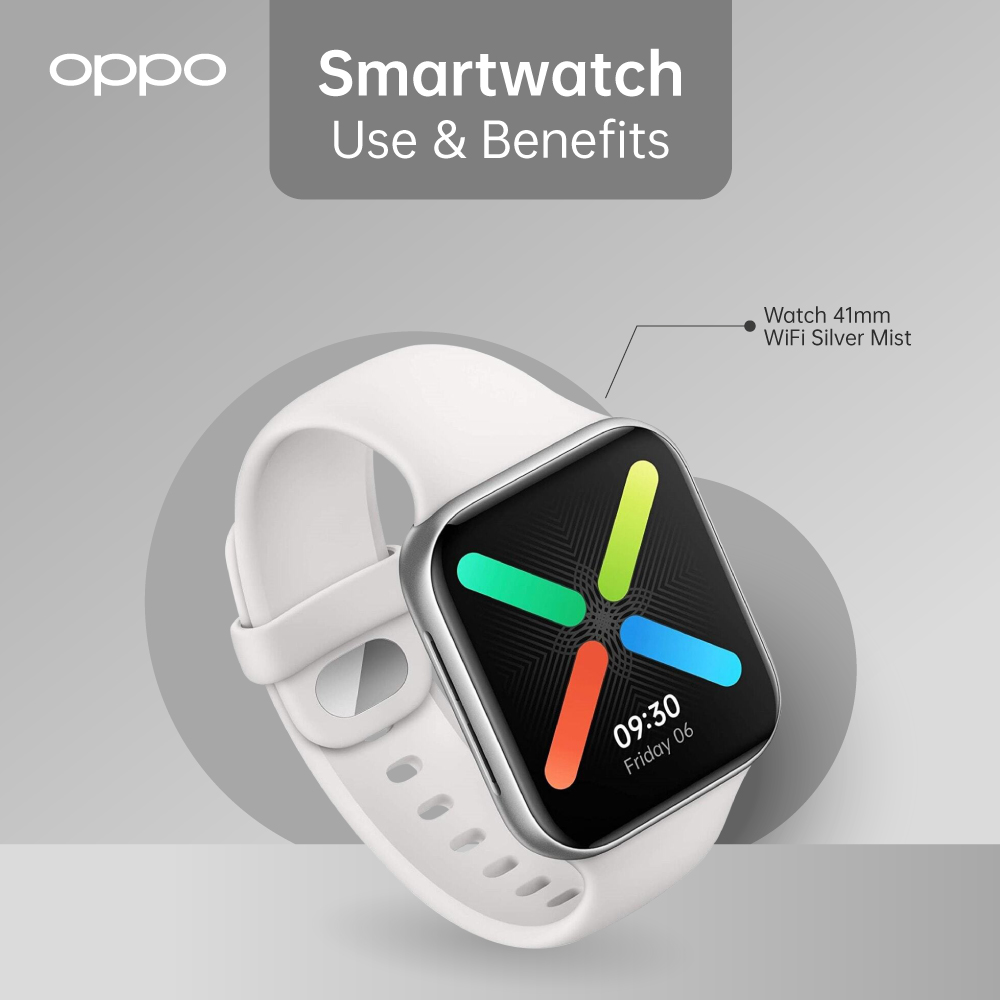
If you don’t know what a smartwatch is, then you might be living under a rock all these years. A smartwatch is probably the best and most futuristic smart device you can ever buy for yourself. It stays on your wrists like a regular watch but can do so much more than it.
There are countless things you can do on your latest smartwatch, but we are going to be talking about some of those things. So let us not waste anymore time and just dive right in.
Stay Connected
The first and most handy feature of a smartwatch is that you can sync it with your smartphones and never miss out on any important messages or notifications. You can get notifications of emails, messages, and calls on your watch. This is not all, you can react or respond to that notification right from your smartwatch as well. Whenever someone is calling or texting, you can get alerts on your watch which means you are always connected with your loved ones.
Health Management
There are a number
-
27 Jan
 Read more »
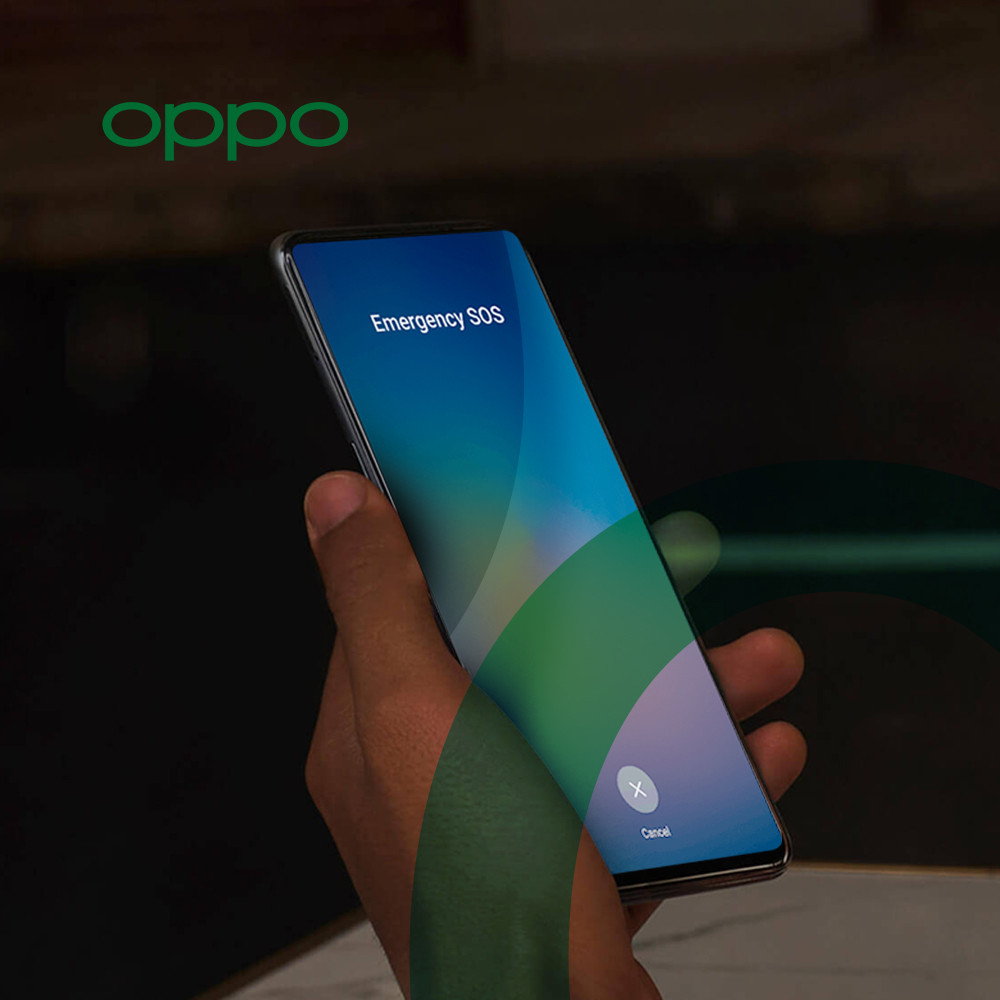
Life is never certain, and you never know what can happen in a split second. You have to always be prepared for the worst while hoping for the best. 5G phones now days are equipped with the easiest emergency features so you can get help in case of emergency without wasting any time.
We are going to be talking about the emergency SOS features available in your high-end Android phones. You can set up these emergency features to help you out if you ever get caught in a difficult situation. Let us get started with our step-by-step guide to help you out.
Use the Emergency Feature
- To access these emergency features, you will be needing to go to the Settings and then select Security.
- After that you will see Emergency SOS in front of you, tap on it.
- You will see terms and conditions, tap on accept to continue. Or if you don’t agree with the terms and conditions, you can hit cancel, but then you will not be able to use the emergency settings.
Add Emergency
-
25 Jan
 Read more »
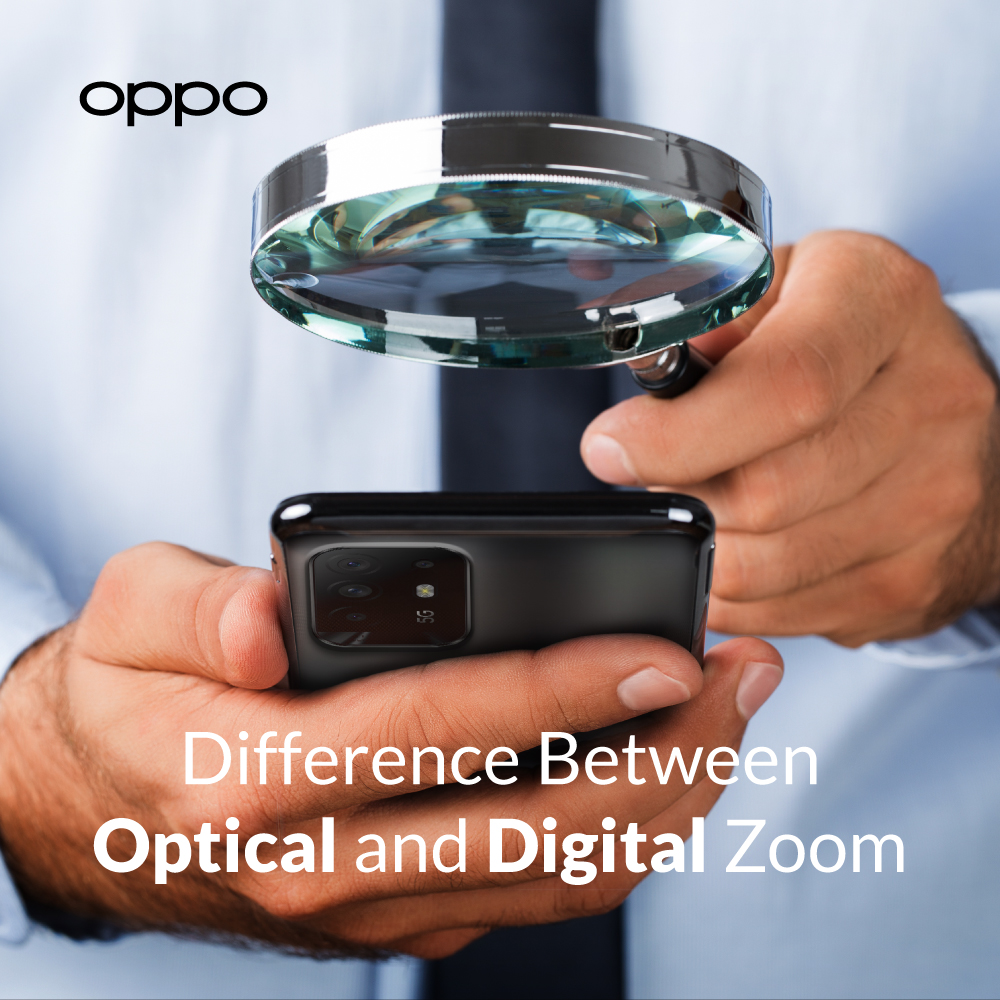
Zoom is a process which means bringing the object closer while you are standing at a far away place. If you are a photographer or a picture enthusiast, then you must be familiar with this term. Back in the days, photographers would change the lens and put on zoom lens to capture the picture even from a distance.
But as the technology has advanced, zooming is not that simple now. There are two major types of zooms in the latest flagship smartphones or cameras, which are optical zoom and digital zoom. We are going to be talking about the difference between optical and digital zoom. So, take out your pens and notepads because we are going to just dive right in.
What is Optical Zoom?
Optical zoom is used to bring the image closer, but the camera uses its components and lens parts by moving them. This can easily be explained if you see old cameras where you needed to attach a zoom lens and as you zoom, the lens will also move ahead. This can give you
-
What Is ColorOS? A Beginner’s Guide to OPPO’s Android Skin
 18 June, 2025
 -
OPPO VOOC Charging: How Fast Charging Really Works
 2 June, 2025
 -
Best OPPO Accessories to Buy in 2025
 20 May, 2025
 -
How to Protect Your OPPO Phone? Cases, Screen Guards & More
 15 May, 2025
 -
ColorOS Tips & Tricks: Get the Most Out of Your OPPO Phone
 12 May, 2025
