

Page 5 - 5G Smartphones
-
30 Aug
 Read more »
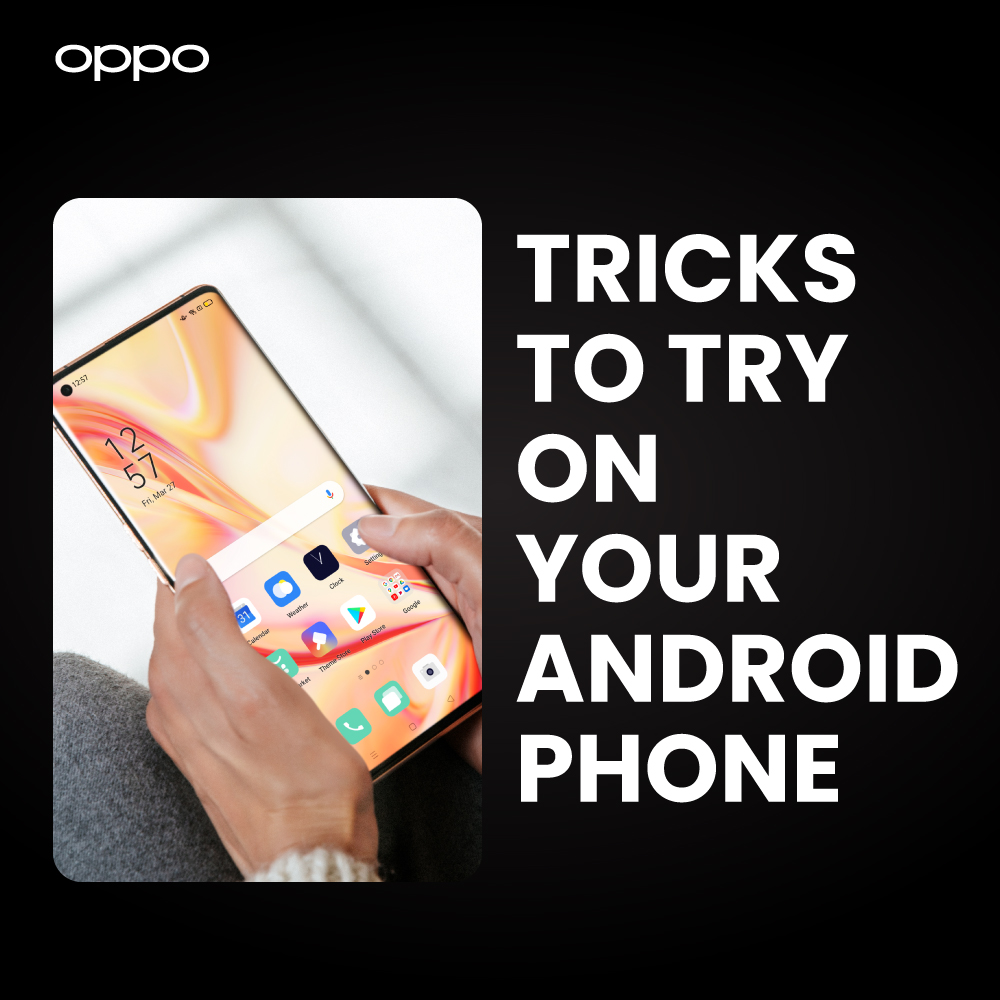
Android is the most popular operating system among smartphone users and holds a current market share of 70% according to Statista. Android phones are in high demand these days due to the various functionalities that these feature-packed mobile devices have to offer.
However, not all are common knowledge, and irrespective of the actual reason behind it, you may actually be missing out. Android has developed some stunning features, so let us show you a number of ways to get access to some of the most incredible lesser-known ones.
One-handed mode
Most of the modern smartphones come with a huge display screen, which is perfect for people who are aiming for an ultra-immersive experience. However, a big display often makes it hard for you to navigate your mobile phone display with just one hand. To tackle this issue, latest Android phones come with ‘one-handed’ mode. This mode minimizes the widely spread navigating screen to a smaller area, allowing you to easily operate your mobile phone single-handedly.
-
25 Aug
 Read more »
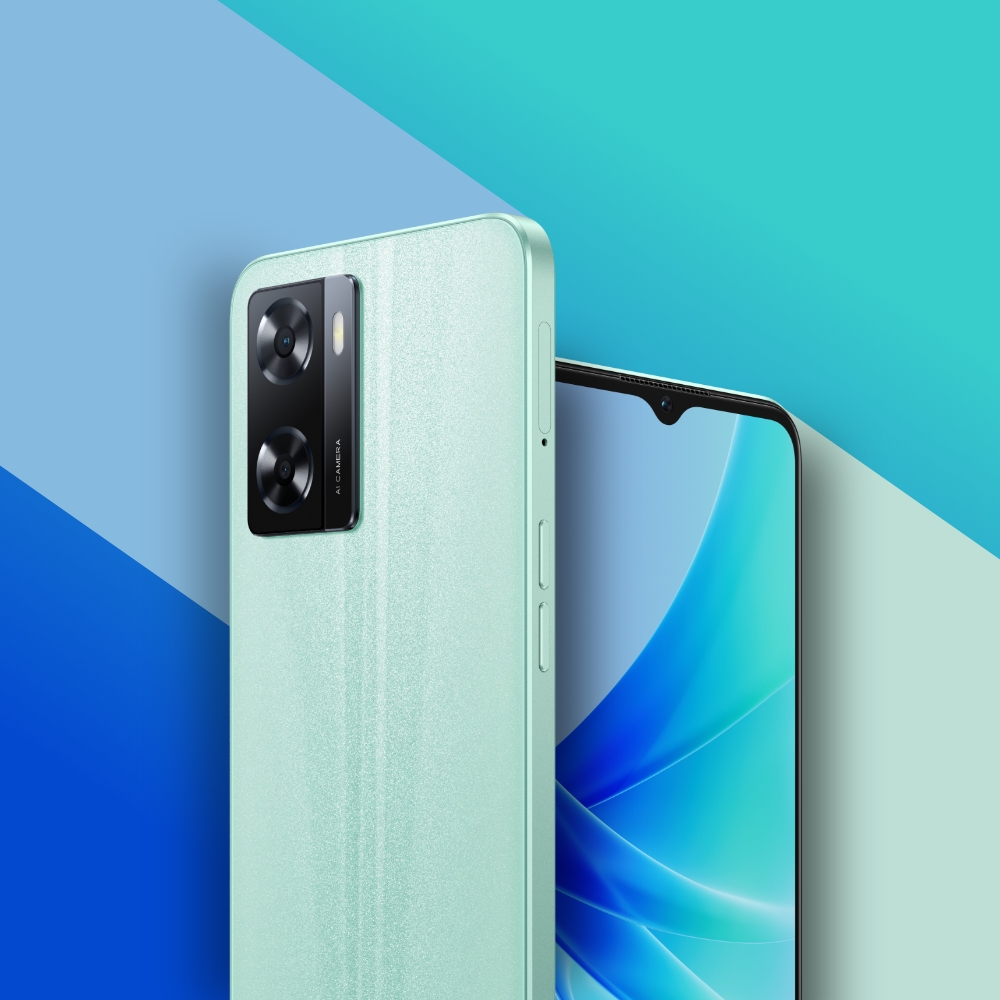
A57 is a newly launched Android smartphone by OPPO, offering several top-of-the-line features including immersive audio and hypnotic viewing experience. Despite being an affordable mobile phone, OPPO A57 delivers certain high-end specs that are usually found in pricey models. This includes 33W SuperVOOC fast charging, up to 4GB extended RAM and ultra linear speakers. Let’s now have a closer look at OPPO A57 to know more about the exceptional attributes that it has to offer you.
Design and Display
Equipped with hallmark glow-design of OPPO, A57 is a delight to see. Its ultra-slim body weighs only 187g and gives you a spectacular view and premium feel. This elite OPPO phone is available on the market in Glowing Green and Glowing Black colours.
The fiberglass-leather body of OPPO A57 smartphone carries a thickness of only 7.99 mm and provides you with a decent amount of grip. OPPO exquisitely designed this Android phone to endure jangling scenarios such as drops and harsh weather. While the
-
18 Aug
 Read more »
Most of the modern Android phones are well-equipped with the latest technology to deliver ultra-fast processing speeds. However, often with time, many of these smartphones tend to slow down, mostly because of ‘junk’ data storage in the form of cached files and unused folders.
Thankfully, there are multiple methods that you can use to put some pep back into your Android phones. While these methods won’t make your mobile phone as fast as it was fresh out of the box, you may notice a significant boost in its overall speed.
Top 5 tips to speed up your Android phone performance
Uninstall unused apps
The first thing that you can do to make your smartphone a bit faster is to uninstall unused apps. These apps not only occupy precious RAM but also tend to run in the background. Uninstalling them will not only improve the performance of your Android phone but also claw back some extra battery life.
There are two ways to uninstall apps on your phone.
- Long press the app icon and drag it to the ‘Uninstall’
-
15 Aug
 Read more »
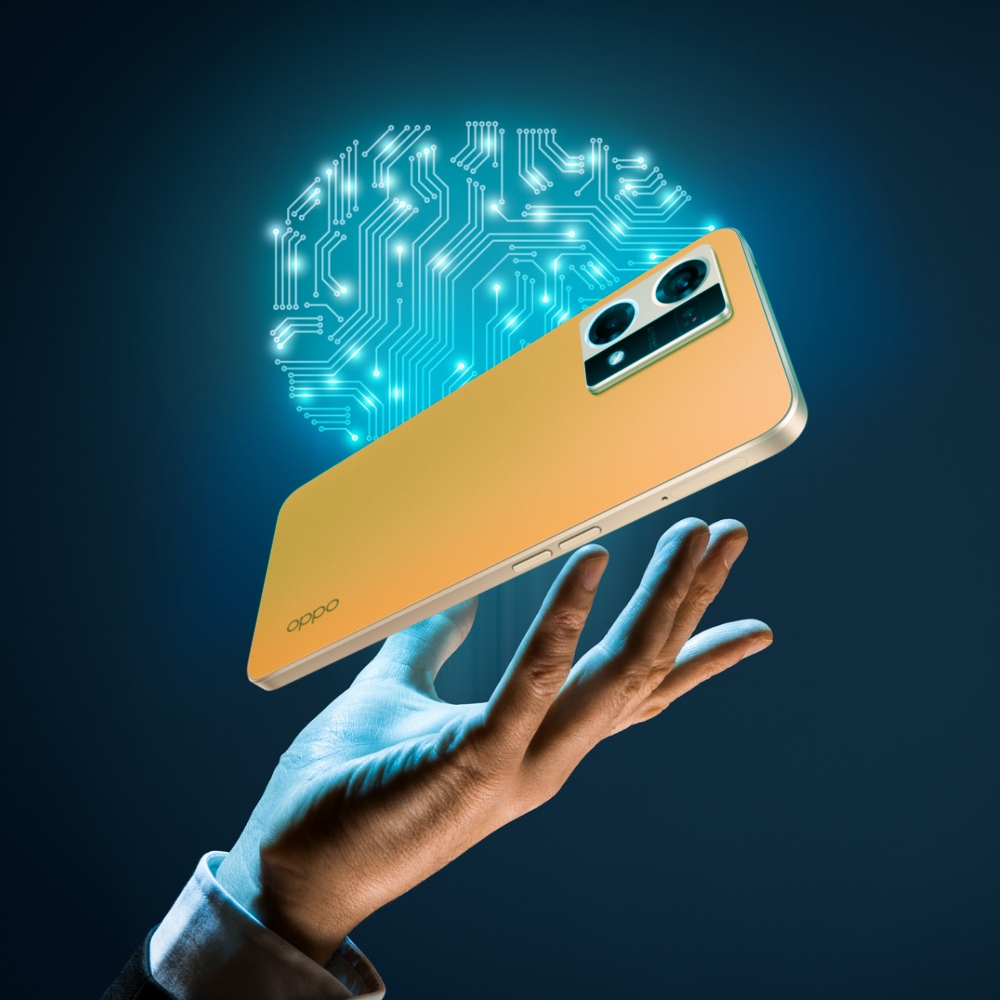
Whenever you decide to buy a smartphone, you’ve no doubt found yourself in an arena of different mobile models from several brands with features that are so complex they leave you scratching your head. Hence, it often becomes very confusing to choose the most suitable mobile phone for yourself. The good thing is that “Artificial Intelligence” is one of the principal factors that you can consider when picking up a perfect Android phone for yourself, and that can really make all the difference.
OPPO is a key smartphone manufacturing brand with its core focus on innovating with the world’s latest technology in its smart devices. In alignment with our core motive “To make technology accessible to everyone”, we have been investing heavily to let users experience top-of-the-line technology across all our smart devices.
Artificial Intelligence is a technology with tremendous potential to make life easier. Leading an Innovation-first approach, OPPO has introduced several smartphones to the market
-
12 Aug
 Read more »
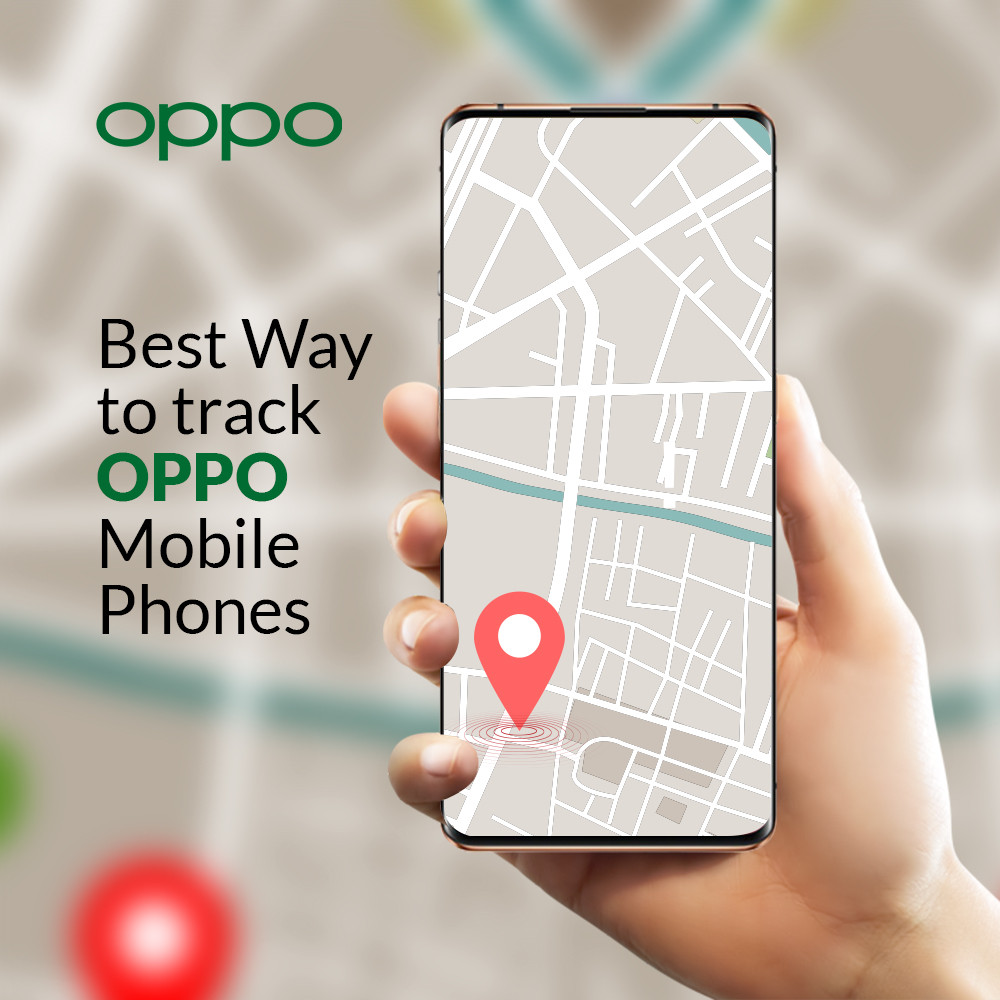
There should always be precautionary measures taken to track your android smartphone. Whether it is OPPO mobile phone or any other, we do have certain ways that can help us track them anytime. To track OPPO 5g smartphones, we have very convenient and easy-to-use methods through which you can do it.
If you have forgotten after keeping your OPPO phone somewhere, or your OPPO mobile is left or lost, you can track it with the following method. But firstly, you must also have your own Google account connected to the phone that can help you link through the finding site or app.
A lot of users are concerned about what to do when you want to Track your Android Device without Wi-Fi or data. You can give a look at our detailed informative article to have a perfect idea and worry less.
The number one platform that can help track OPPO mobile phones is the Google Find my device application or website. But the only case requirement should be that your phone must be connected to the
-
10 Aug
 Read more »
Losing your smartphone can be one of the biggest nightmares. Not only because they are generally a big investment, but for many reasons including critical data loss, photos and important documents can be housed there to name but a few. You would never want confidential information, not so much as a personal picture, in the hands of an anonymous person.
Well, thanks to advanced technology, now we have quick and easy ways to find lost mobile phones. However, you must be entirely sure that your phone isn’t simply misplaced before resorting to these steps – so do check thoroughly first. If you are quite sure your phone is actually lost or stolen, the first steps you should take is to inform the police and block access to all the data on your android phones or iPhones. If your phone is left unlocked and its data accessible, whoever has it can use your or sell your phone instantly.
While almost all of us spend a large percentage of our days with our smartphones glued to us, sometimes we can lose
-
3 Aug
 Read more »
Getting locked out of your own smartphone device is indeed frustrating – especially when you had just reset the password the day before. Don’t worry though, it’s really not that uncommon to forget your own mobile phone pin, password, or lock pattern. For some people however, this isn’t just momentary memory loss, it could be a tech glitch or temporary recalling trouble. The real concern here is that you do not want to lose all the data currently stored on the phone during the unlocking process.
The simplest way to unlock a locked phone is factory data reset, however, this method actually erases all data on the mobile phone. So, if you need to be able to access anything that was already on your phone but also need to unlock it, you’ll have to use alternative ways.
Here we have some of the easiest routes that you can take to unlock your phone whilst keeping all your data as well. You can be rest assured about not losing your mobile info, whilst still unlocking the android phones without
-
1 Aug
 Read more »
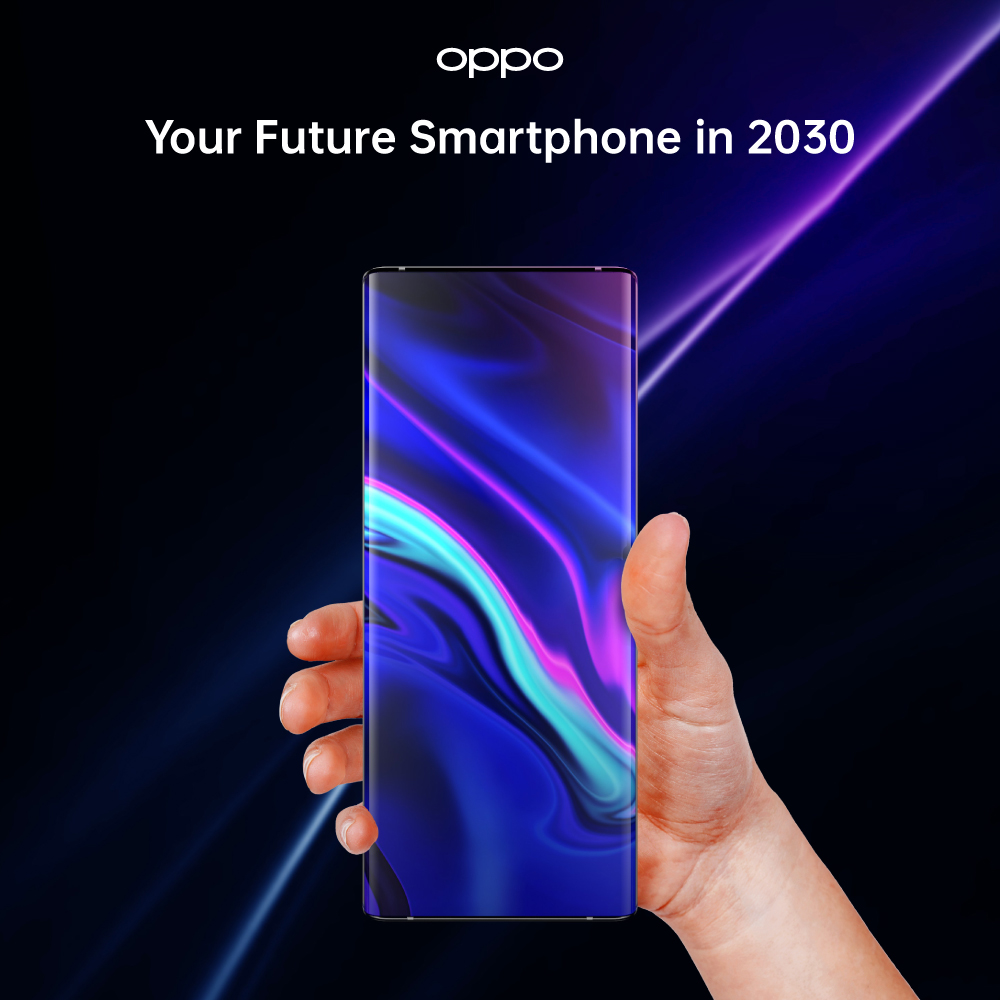
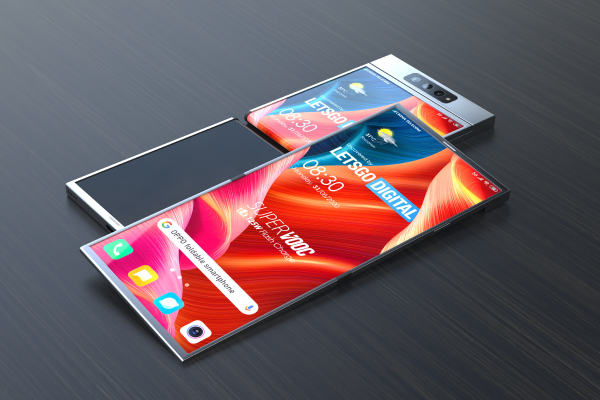
With the technology constantly increasing you never know what the future holds. 5G Android Phones have become more and more advanced. But who knows what the smartphone technology will look like in 2030. Well, it is not that far away, and we can get an idea of the future.
Design
Let us get the main thing out of the way first. The design and look of phones have changed so much in the past few years. Smartphones have become much slimmer and lightweight. Even though the foldable phones were introduced in 2019. But there are plenty of changes that need to be done to the design. Foldable phones in the future would be a pretty common thing. The overall design and weight would also benefit from it. The phones will definitely look much better than they do now. By 2030 we all might be using either foldable phones or rollable smartphones.
Camera
If you are a smartphone user then it is quite obvious, that you are aware of the increasing camera technology in the phones. Phones with the best camera are
-
29 Jul
 Read more »
To inspire all the photography enthusiasts around the globe to pursue their passion for photography, Getty Images will be utilizing its global network of custom content photographers to come up with visual assets that perfectly resonate with OPPO’s customer base.
Leading smartphone manufacturing brand, OPPO, is world famous for equipping its mobile phones with the most advanced and innovative imaging technologies. The latest OPPO Find X5 Pro is perfectly carrying forward OPPO’s legacy of being a world leader in ultra-rich photography. Earlier this year, OPPO launched its flagship smartphone Find X5 Pro, presenting cutting-edge features and avant-garde imaging capabilities. Using OPPO’s self-developed NPU - MariSilicon X - and a rebellious Five-axis OIS system backed by proprietary algorithms, the Find X5 Pro allows users to express their inspirations to the fullest by capturing phenomenal images.
“OPPO has always endorsed the idea of empowering users to redefine the world through the camera
-
25 Jul
 Read more »
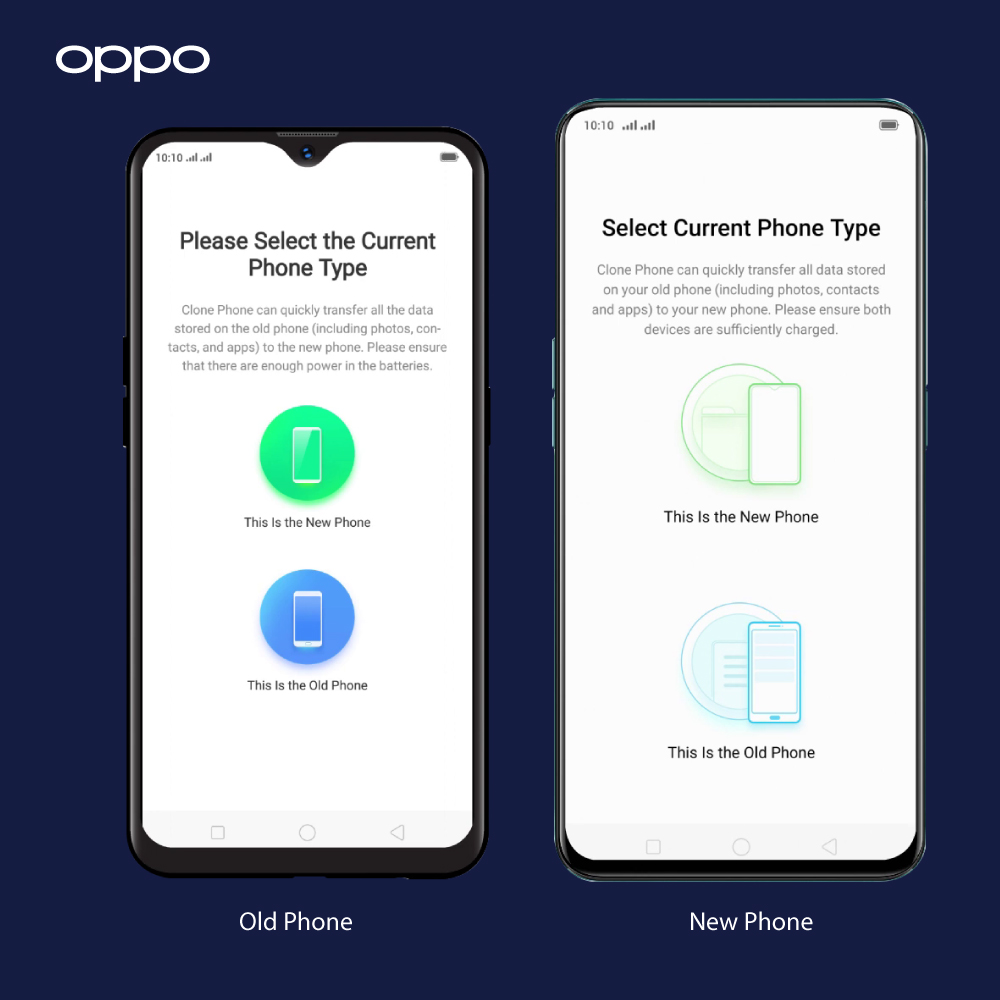
In the present era, smartphones are a critical part of our lives, containing a vast amount of our important data including texts, emails, passwords, and banking information to name but a few. So, when it is time to switch from your old Android phone to a new one, you will want to make sure that all the data is transferred over securely.
In the past, even a standard data transfer between mobile phones was a nerve-wracking task, let alone doing this in a secure manner. Thankfully Google now makes it extremely easy to securely migrate your texts, account passwords, photos, and other virtual data over to your new phone.
Direct Data transfer between phones involves two main steps.
- Back up your data on your old Android phone
- Restore data and settings from the old phone in the new Android phone
Step 1: Automatic and Manual Data Backup on your Phone
1.1: How to perform a data-back up on your old phone
Before switching to your new phone, you’ll need to make sure that all the data on your old phone
-
What Is ColorOS? A Beginner’s Guide to OPPO’s Android Skin
 18 June, 2025
 -
OPPO VOOC Charging: How Fast Charging Really Works
 2 June, 2025
 -
Best OPPO Accessories to Buy in 2025
 20 May, 2025
 -
How to Protect Your OPPO Phone? Cases, Screen Guards & More
 15 May, 2025
 -
ColorOS Tips & Tricks: Get the Most Out of Your OPPO Phone
 12 May, 2025
