

Page 9 - 5G Smartphones
-
21 Dec
 Read more »
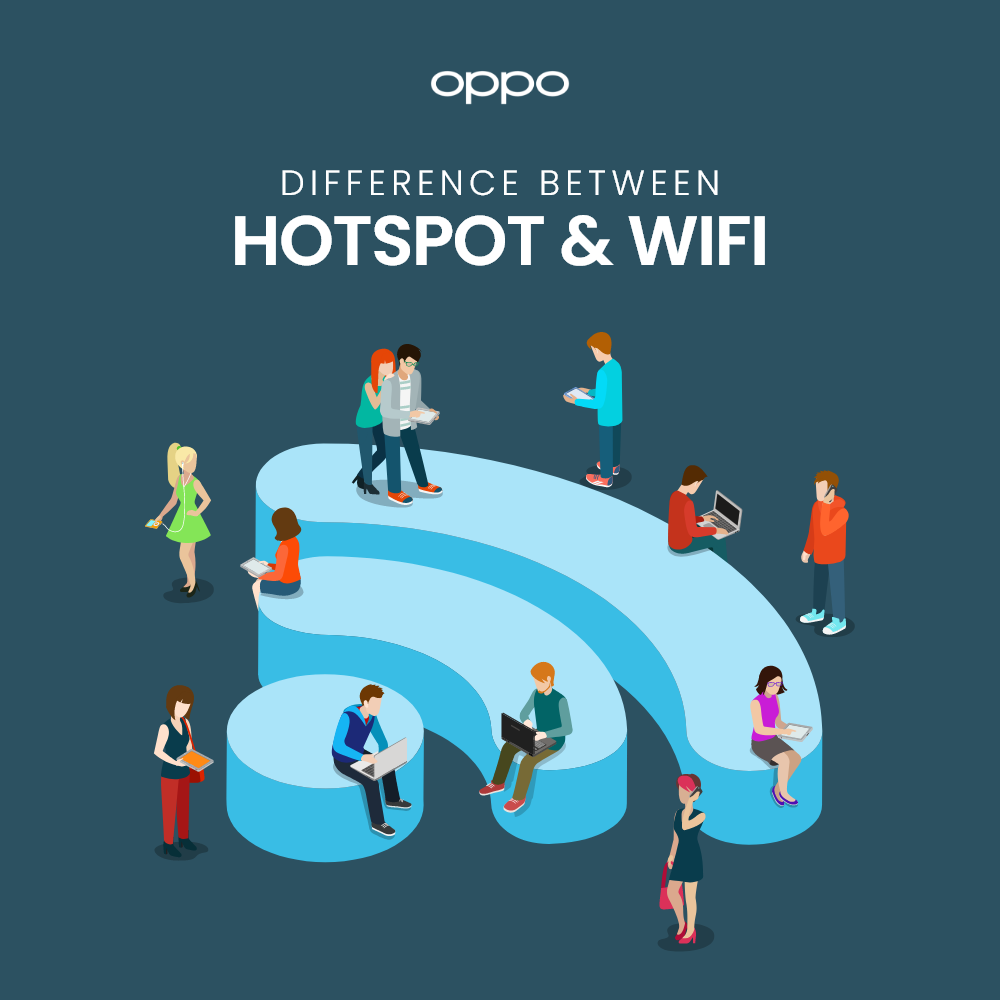
It is a smart world we live in, and everyone is connected to internet via their smartphones. We use internet all day long for different purposes and to stay connected with each other. You might have heard a thousand times about the two words, Wi-Fi and Hotspot. You use these two all day long, but many few people know what they both actually are. If you have the same question on your mind, then you have come to the right place. We are going to be talking about the difference between Wi-Fi and hotspot. So let us not waste any more time and get right to it.
What is Wi-Fi?
Wi-Fi or Wireless Fidelity is the technology used for LAN (local area network) to provide wireless communication. The Wi-Fi signals are basically radio frequency waves which travel under a radio frequency band of 2.4GHz. You can connect your Android phones, laptops, and all other devices which support wireless connectivity.
What is Hotspot?
If we use simple words, then a Hotspot is basically an access
-
20 Dec
 Read more »
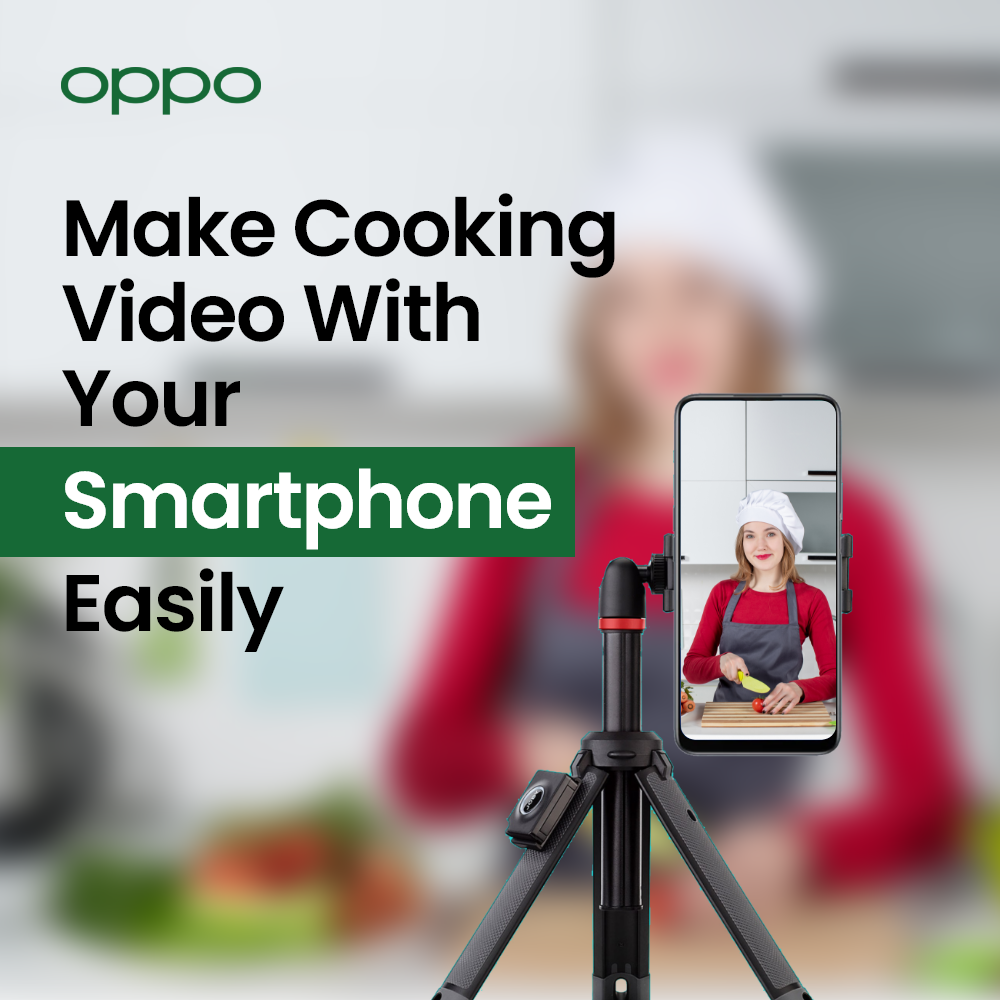
You might have seen a lot of quality videos wandering on famous online platforms like YouTube, Facebook, or Instagram. If you have ever wondered about making a cooking video yourself that could capture eyes and then dropped the idea, you could think on it again.
Well, to create an excellent cooking video, you might think you need an extra set of equipment. But that’s not exactly the case. Having a smartphone that is packed with the latest camera and a decent overall speed would do it all. Cooking videos need to be colourful with some of the greatest angles that fascinates the eyes of the viewer. There is not a significant need of heavy machines or extra investment, as you can still make great videos with your 5G android smartphones.
This article is all about it! You can read after the most essential tricks and tips on how to make cooking video with a smartphone. Whether or not you are starting your own food blog or vlog, these methods shall help you big time.
Step 1:
-
17 Dec
 Read more »
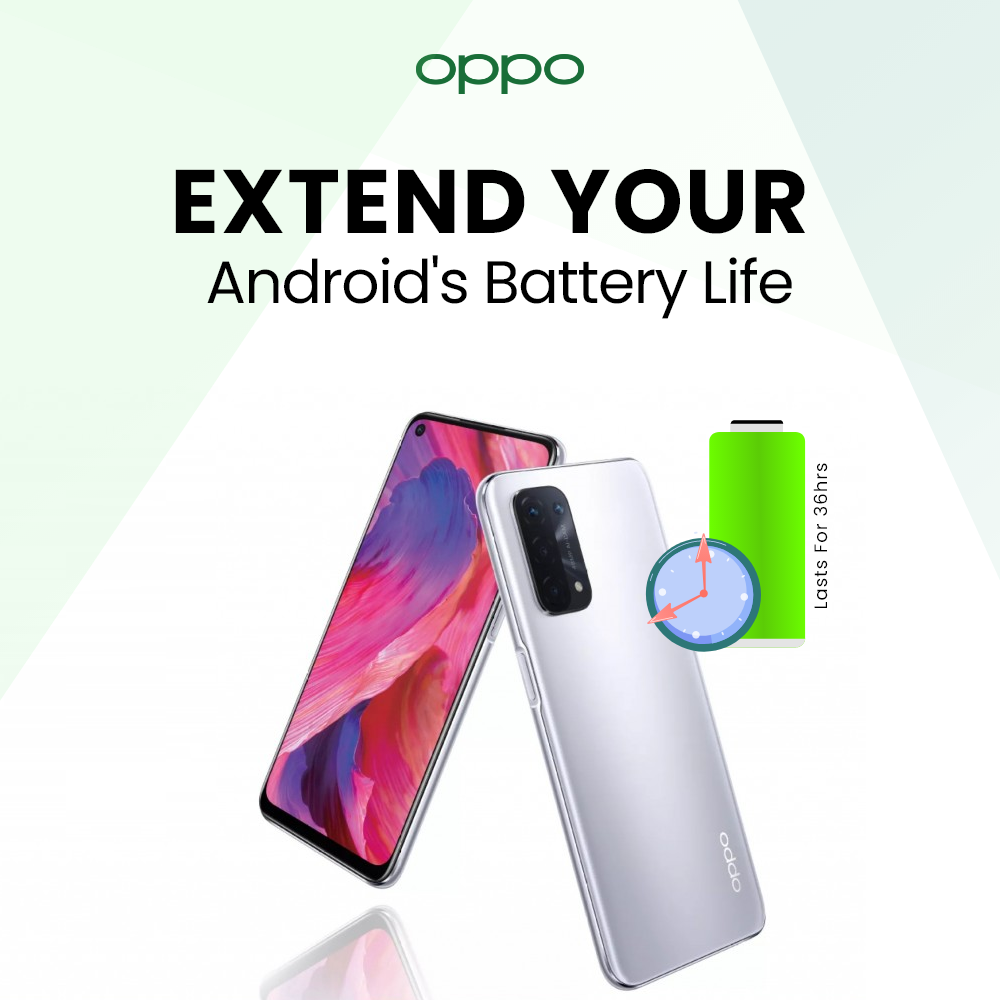
Android phones are without a doubt the most used and highly sold smart devices in this day and age. They give you freedom to perform all your tasks right from the palm of your hands and even while you are on the go. But the most important component of a phone is its battery.
A good battery life makes sure you can stay connected and productive no matter where you are. If you don’t have a long-life battery, then you cannot enjoy the portability feel and sustain the fun for a longer period of time. If you are experiencing battery issues with your phone, then you have come to the right place. We are going to be telling you guys some really effective methods to extend the battery life of your Android phones. So, stick around and find out.
Limit Background Apps
The first thing to do is limit the apps which are running in the background without you even knowing it. There are some apps which have the permission to launch whenever you start your phone, and they keep running in the background. These
-
15 Dec
 Read more »
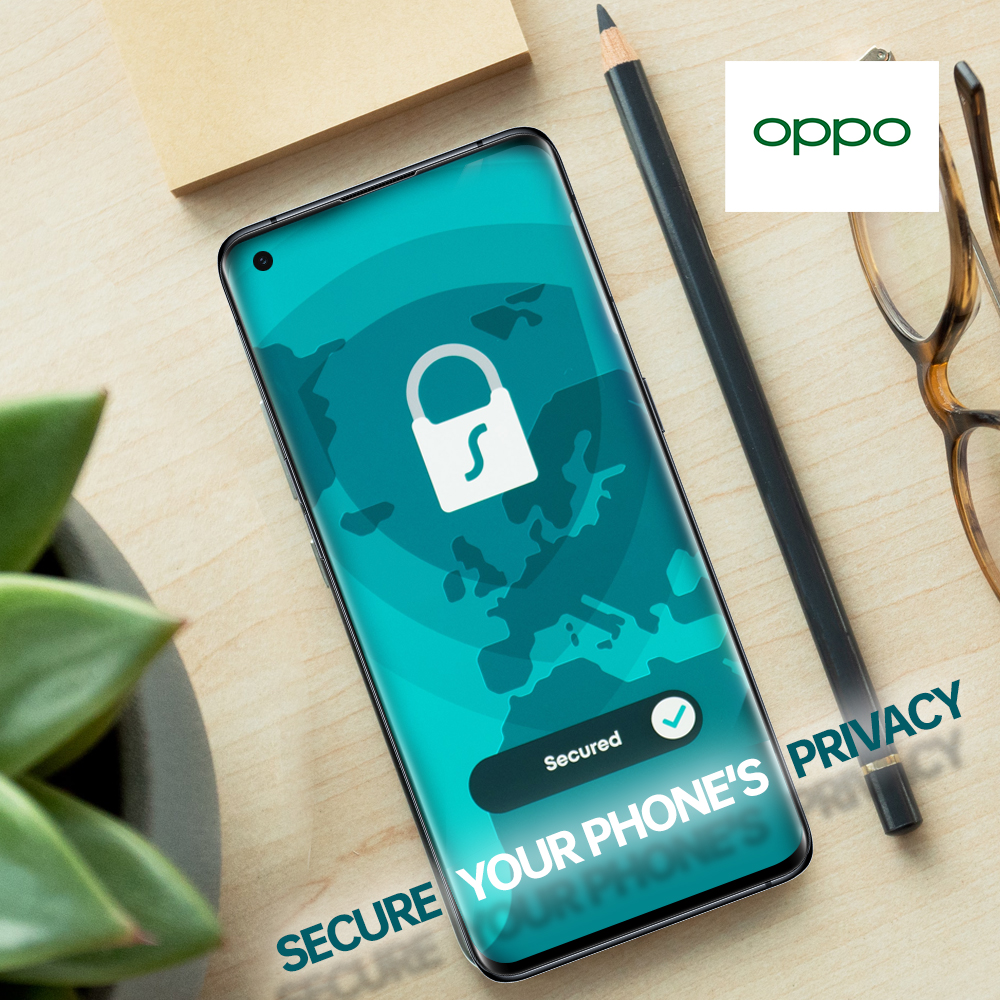
It’s a tech world we live in, and everyone is connected to the technology in one way or the other. We use Android phones for different purposes all day long and it has a lot of our personal data. It is really important to keep your phone safe because your personal data should never be compromised.
There are many potential hackers and nosy people just waiting to invade your privacy. That is the reason you should keep your phone safe and secure your privacy by taking all the precautionary measures. If you also need to enhance the privacy on your Android phones, then you don’t need to worry. We are going to be telling you guys about how you can keep your privacy safe on your phone. So, stick around and find out.
Lock Screen
Well first things first, you need to always keep your phone’s screen locked. In addition to that you need to put a password or a pattern lock on it so no one except you can unlock your phone. It is never safe to leave your phone lying around without
-
15 Dec
 Read more »
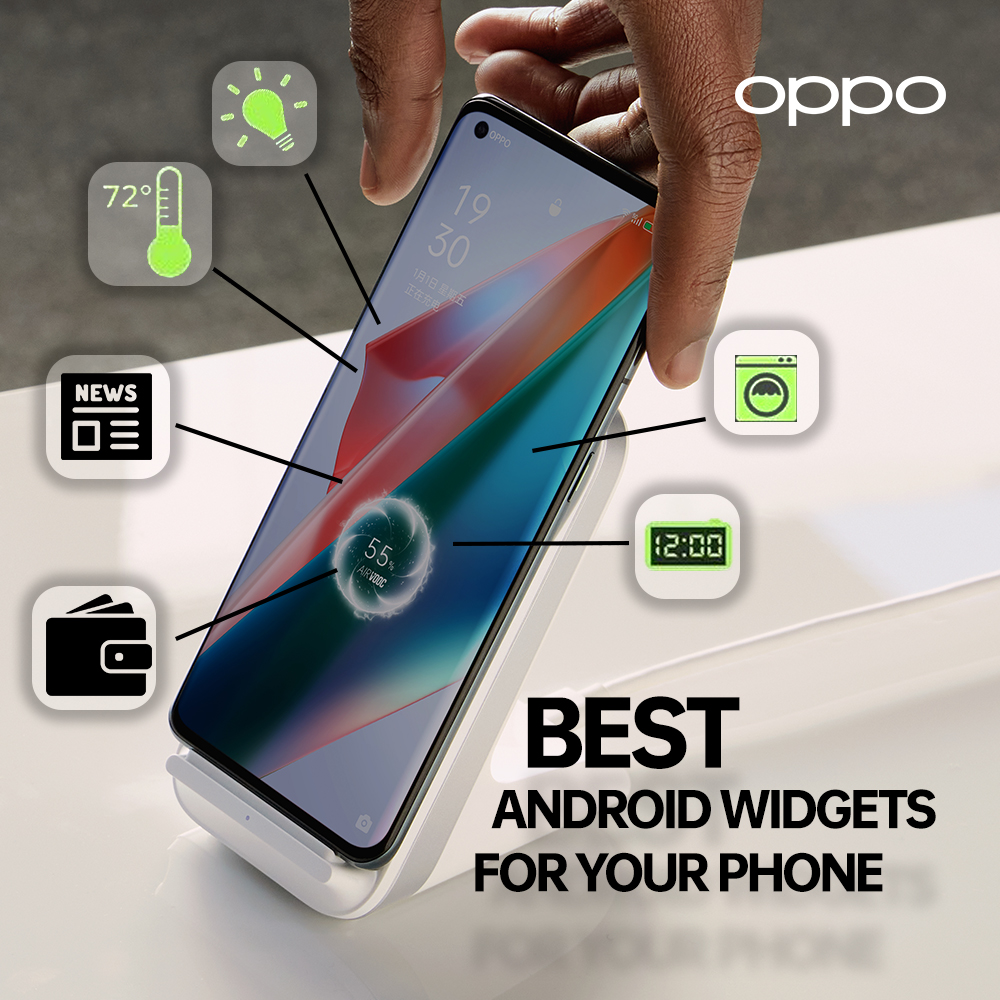
Widgets are the tiny applets which you can place on your home screen to get some quick information about anything. These are one of the most used and unique features of Android phones. This is what sets Android apart from iOS operating systems. You can set a widget for weather, clock, or even to change and control the music.
But now days there are a number of widget apps which you can find on App store that are also free. With such abundance of widgets, you never know which one is useful and which one is not. But have no fear while we are here. We are going to be sharing with you guys our top picks for the 7 best and most useful widgets for any Android phone. So let us not waste any more time and get right to it.
Google At a Glance
First up on the list is Google at a Glance. This is basically a today app which means you can see everything that needs to be done in the whole day. It can help you organize your daily tasks and also acts as a reminder. You have a list of
-
13 Dec
 Read more »
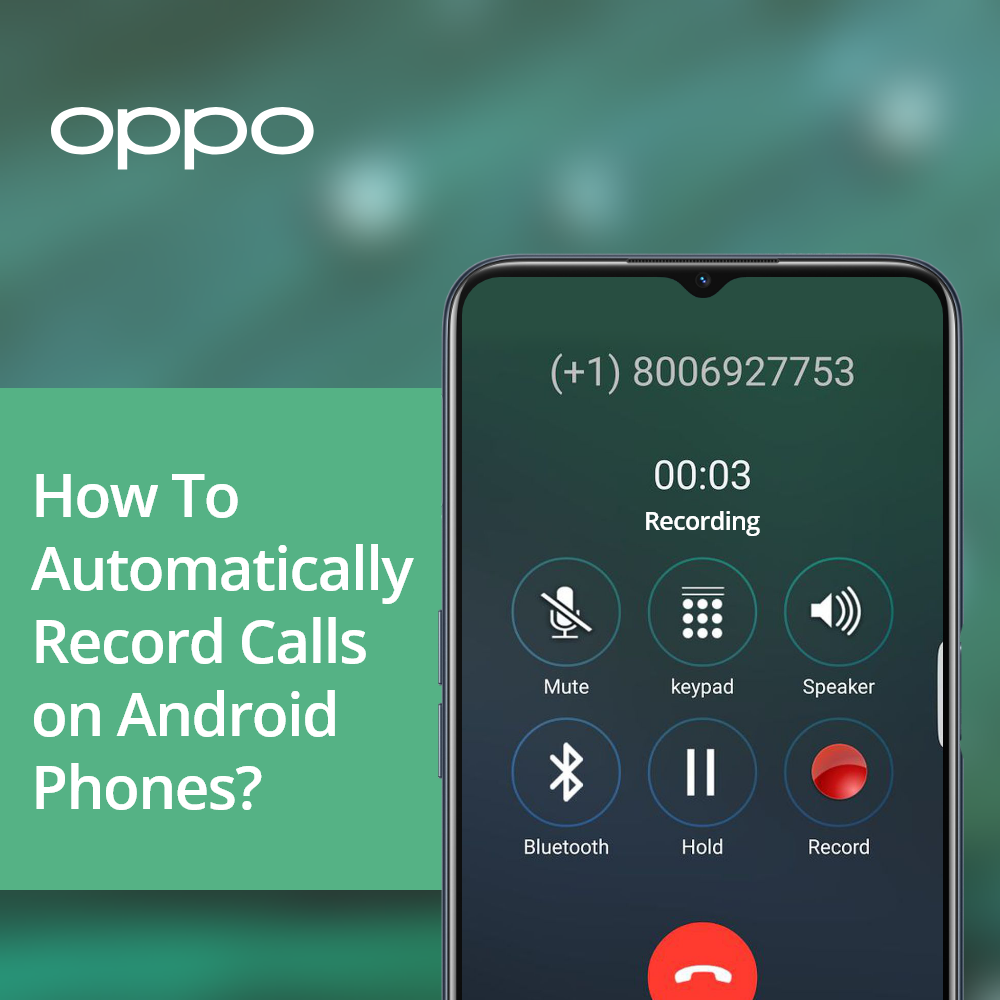
Recording a phone call might not be exactly easy since the latest versions of android have stopped including built-in voice recorder. For some phones, it is still way easier and can be done just with an instant process. There are also number of third-part apps that allow you to record calls very quickly along with other features.
It also depends on the area you live and the restrictions about whether the state has allowed recording calls. This is certainly because for some regions the main concern is privacy and security. Although, still professional conference calls and other important call sessions require recording. Some people also need to maintain their call recording list for professional purposes while other may need for keeping essential memories together.
There are more than one ways that enable common users to record ample amount of phone calls every day. We have listed down the top methods through which you can easily record calls from your android phone.
-
2 Dec
 Read more »
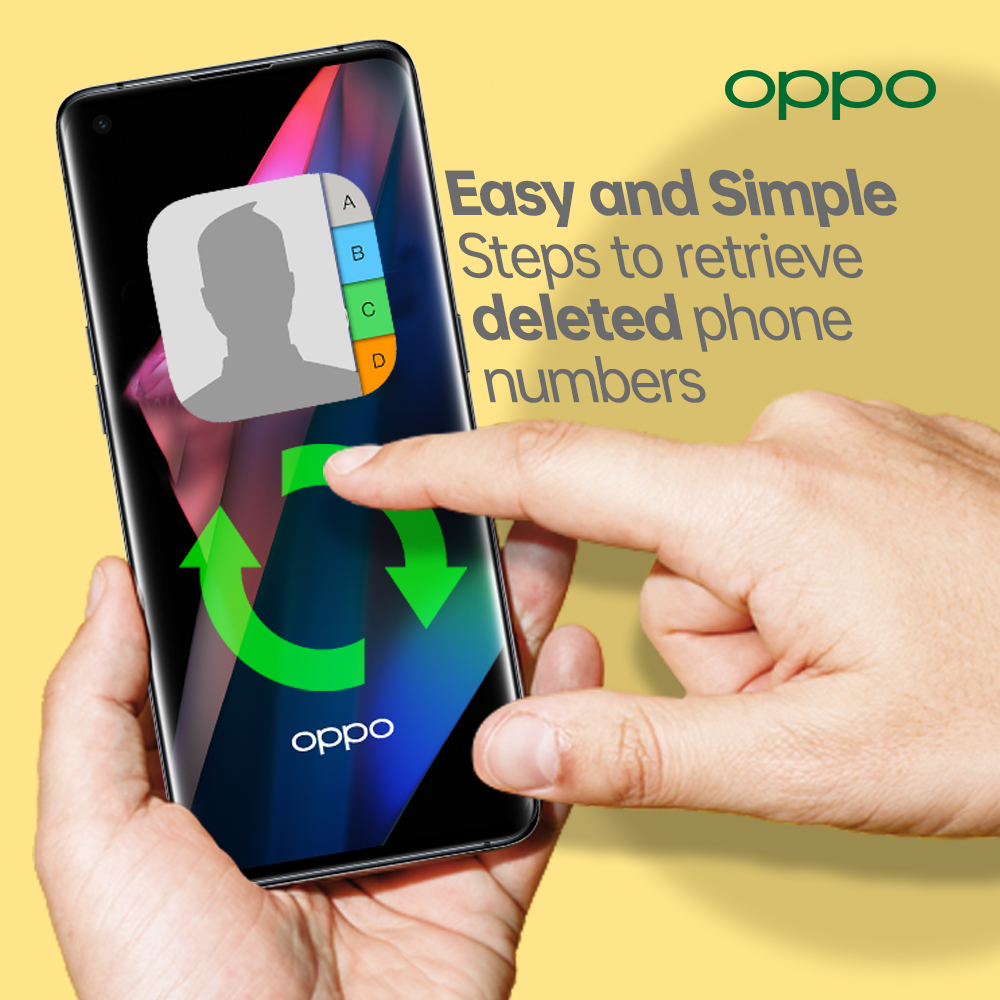
How to retrieve deleted phone numbers on android
Smartphones are used for more reasons than one for your personal and professional needs. There is a huge amount of data which is stored in your Android phones. The most important kind of data is probably the contacts you have saved on your phone. If you lose your contacts due to any reason or delete a contact by mistake, then it can be a big problem. It is not always easy to retrieve your deleted phone numbers, but it is not impossible.
There are a number of ways and methods through which you can retrieve the deleted phone numbers on your Android phones. So, if you want to retrieve a phone number which you just deleted by mistake, then you don’t need to worry. We are going to be sharing with you guys the best ways to retrieve a contact on your smartphones. Let us not waste any more time and get right to it.
Retrieve Contact Through Gmail
The easiest method to retrieve your contacts is by using your Gmail account. The first thing you do when
-
26 Nov
 Read more »
Android smartphones are the most used smart devices in this day and age. People use smartphones all day long for different purposes. You are always spending time on your phones but that does not mean that it is always productive. It is really easy to kill time on your phone but the better thing to do is to spend that time in a productive way and not just waste it.
We are going to be sharing with you guys some of the tips and ways to spend time on your Android smartphones in the most productive ways. So, next time you get bored or have free time, you should keep the below mentioned things in mind and you will be good to go.
Read an E Book or listen to an Audio Book
The best way to kill time is to read a book. It might sound old fashioned, but this is the most productive thing to do in your free time. You can learn a lot and the words you read or listen to will stay with you for a lifetime. You can benefit from a book in more ways than you can even imagine.
-
23 Nov
 Read more »
It is a smart world we live in, and everyone is connected to the internet in one way or the other. But you need to have a Wi-Fi or any other internet connection to surf the world of internet on your devices. If you don’t have a connection or your Wi-Fi is not working, then you don’t need to worry because you can also use your Android phones as a hotspot to provide internet for other devices.
Android Phones
If you are using an Android phone which is running on Android 2.2 or higher operating system, then you can use it as a hotspot.
All you need to do is go to the settings and look for Mobile Hotspot or Tethering option. Tap on it and it will take you to a new window where you will need to set a name and a password. There you have it you can now use your phone as a hotspot.
iPhones
If you have an iPhone, then you might be familiar with the settings really well. You must have seen the Personal Hotspot option many times at the bottom of the settings window. This will turn your iPhone into
-
19 Nov
 Read more »
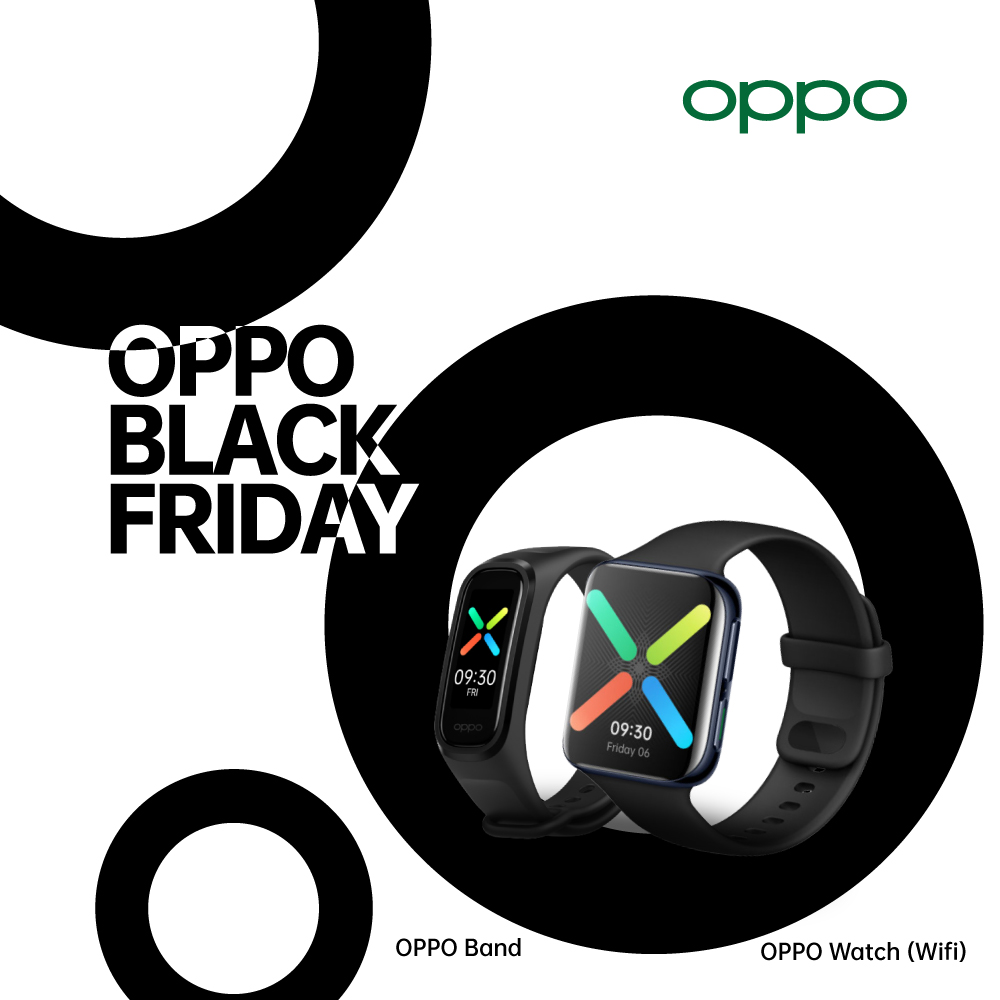
If you have your eyes on the best OPPO smartwatches since a while now, it is finally the ideal best time. Black Friday deals on smartwatches and OPPO bands should be the best thing ever for a lot of smart gadget lovers. A lot of users wait for this time of the year just to get their preferable gadgets at the very best price. Now that the time is finally here, you will be able to shop your favourite bands and smartwatches. Whether you are a fitness enthusiast or the one who really likes managing their schedules with these tech gadgets, these prices will make it easy for you to buy instantly.
What better than the time to get the best premium smartwatches at the best cost? Well, here we are with the best OPPO smartwatch black Friday discounts that will be available live on their official UK site.
OPPO Band
Specs
Measurements: 40.4mm x 17.6mm x 11.45mm
Memory: 16 MB Storage
Display: AMOLED Screen | 1.1" | 126 x 294
Operating Systems: Android
-
What Is ColorOS? A Beginner’s Guide to OPPO’s Android Skin
 18 June, 2025
 -
OPPO VOOC Charging: How Fast Charging Really Works
 2 June, 2025
 -
Best OPPO Accessories to Buy in 2025
 20 May, 2025
 -
How to Protect Your OPPO Phone? Cases, Screen Guards & More
 15 May, 2025
 -
ColorOS Tips & Tricks: Get the Most Out of Your OPPO Phone
 12 May, 2025
